Android app
Your bio page and your planner, on the go
With the klixly app for Android you edit links and design, check your statistics and plan posts right from your phone.
Android 9 or later. The app is free, what you can use in it depends on your plan.
App screenshots
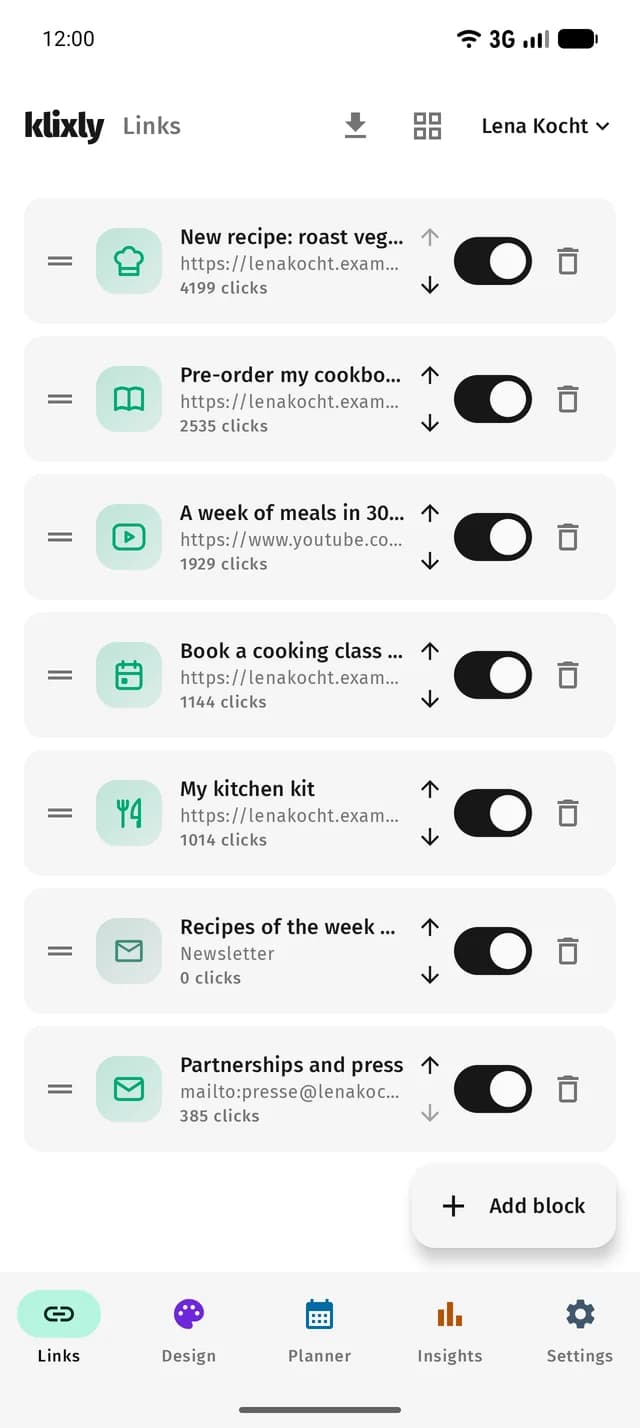
- Links
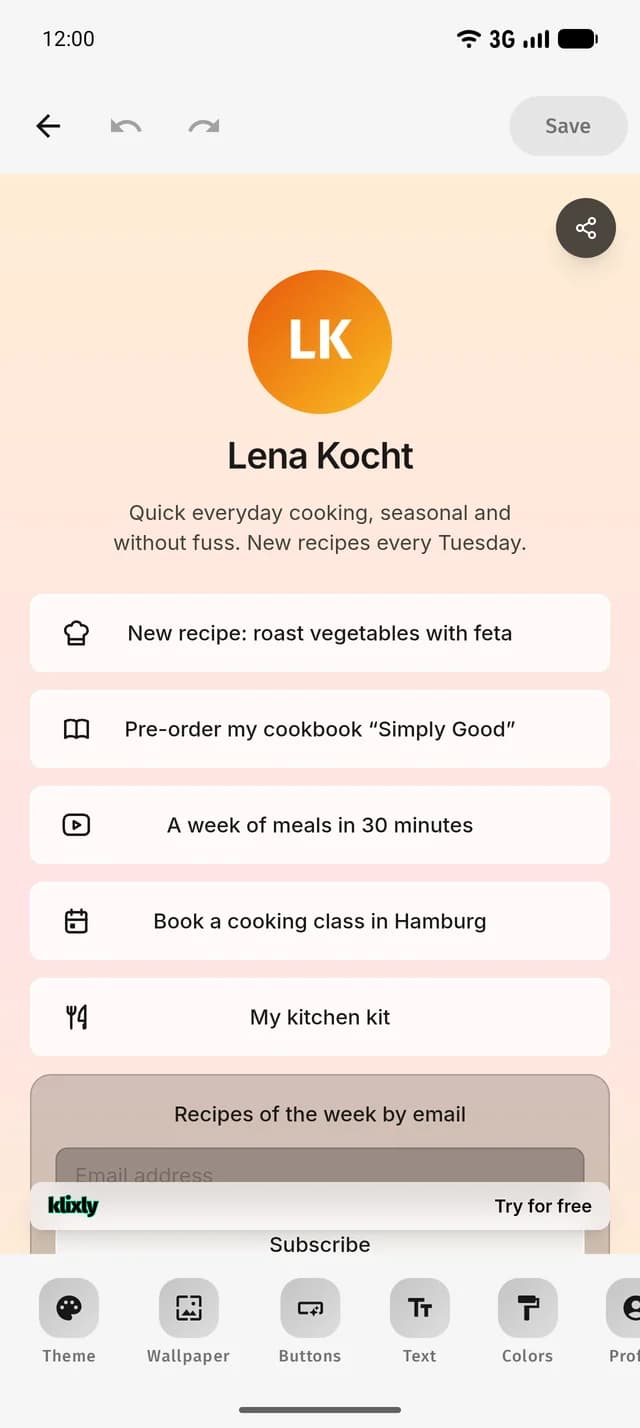
- Design
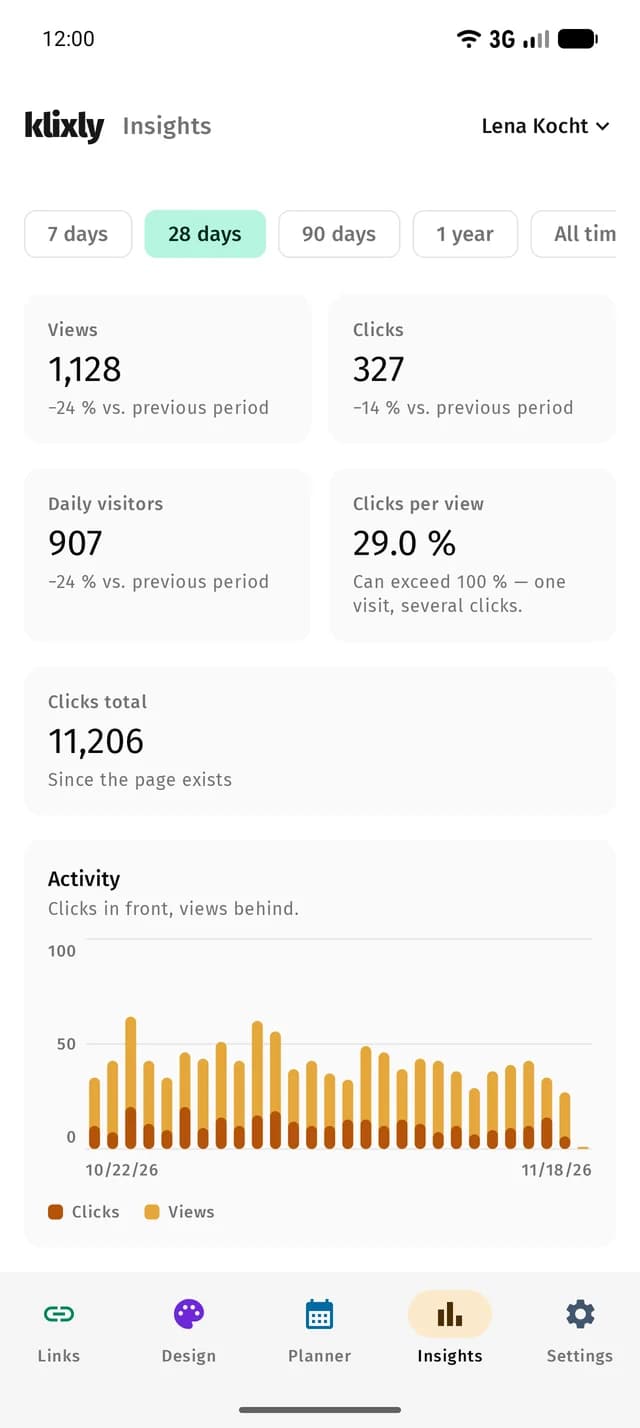
- Statistics
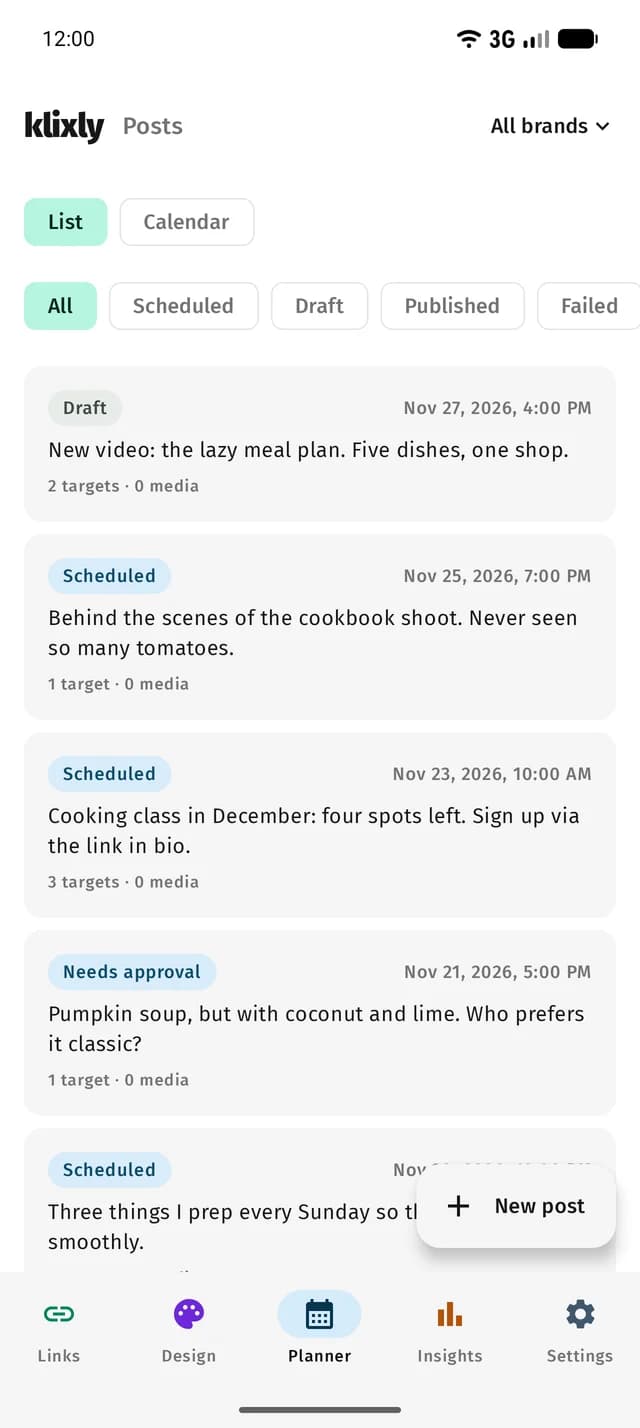
- Planner
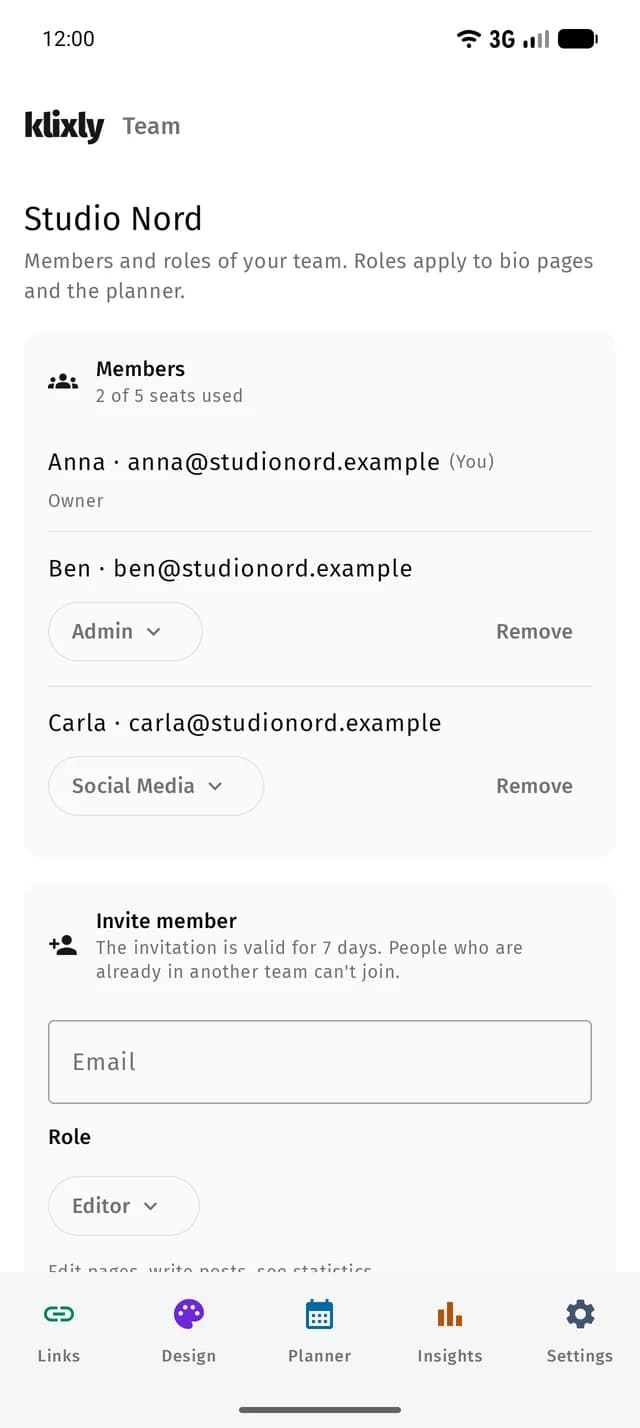
- Pages
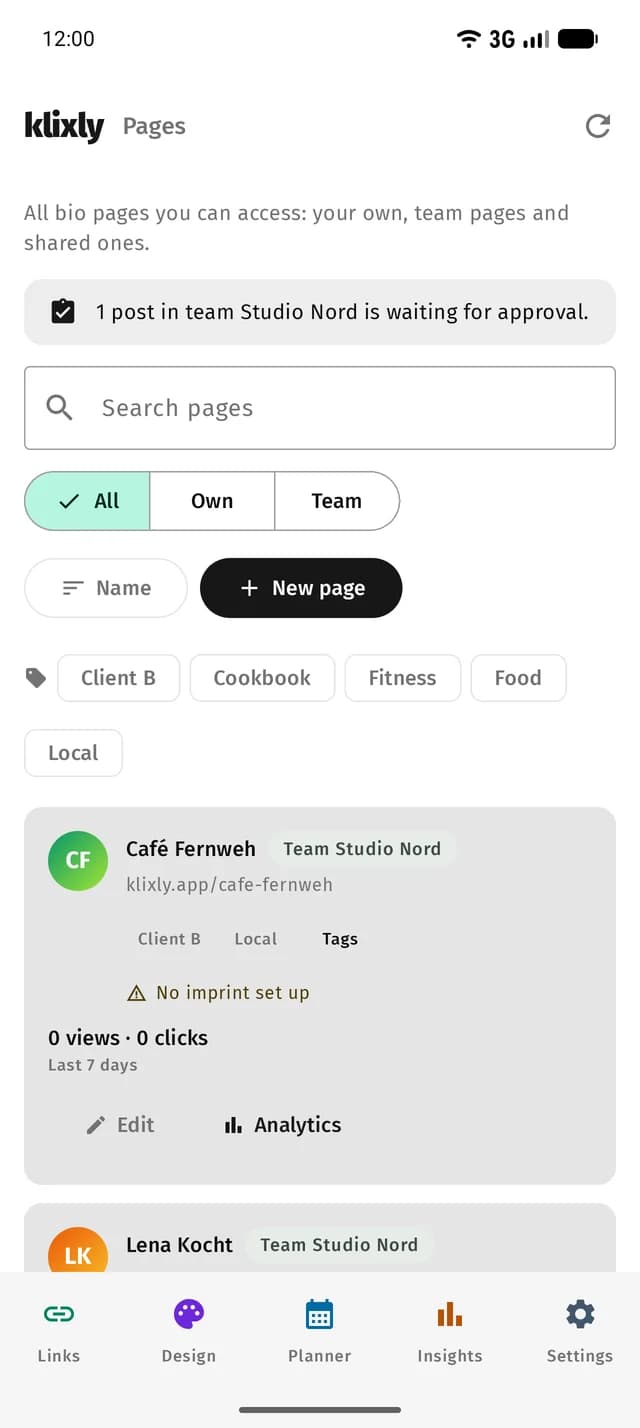
- Team
Tablet
On the tablet too
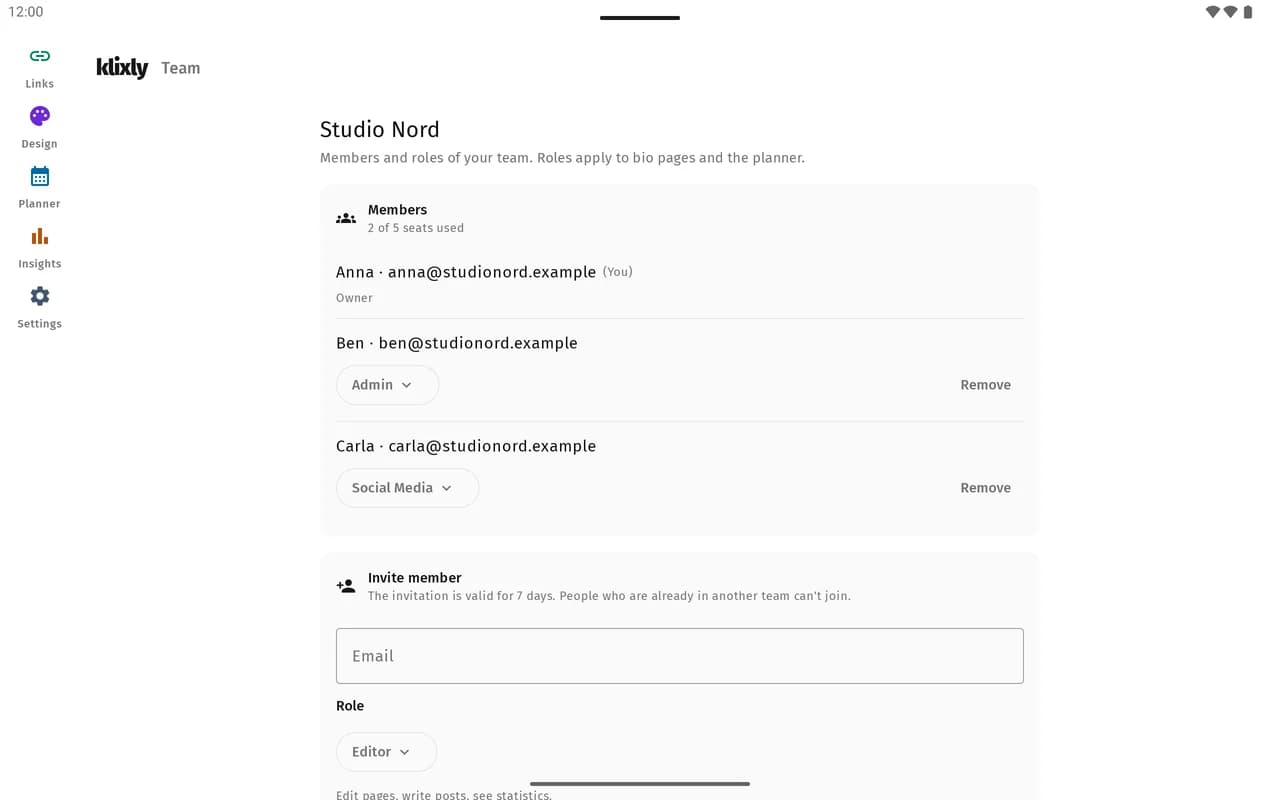
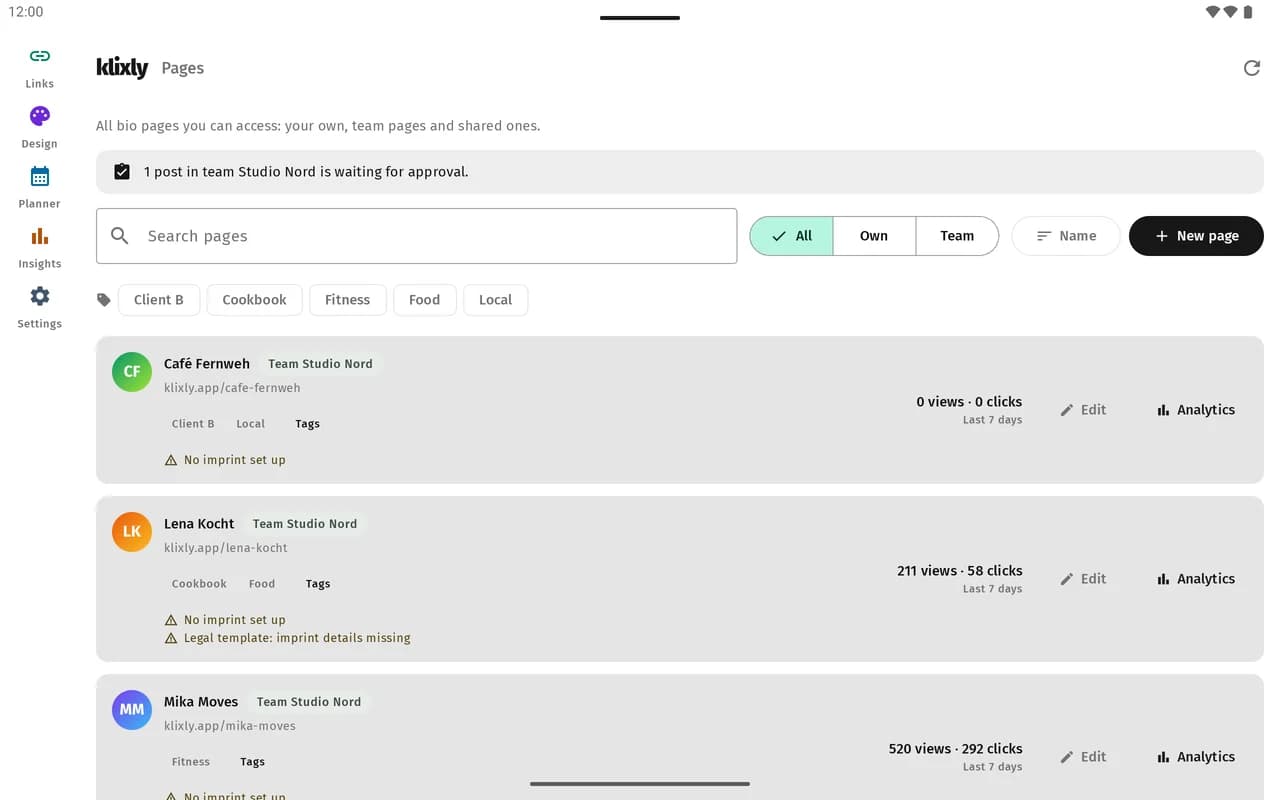
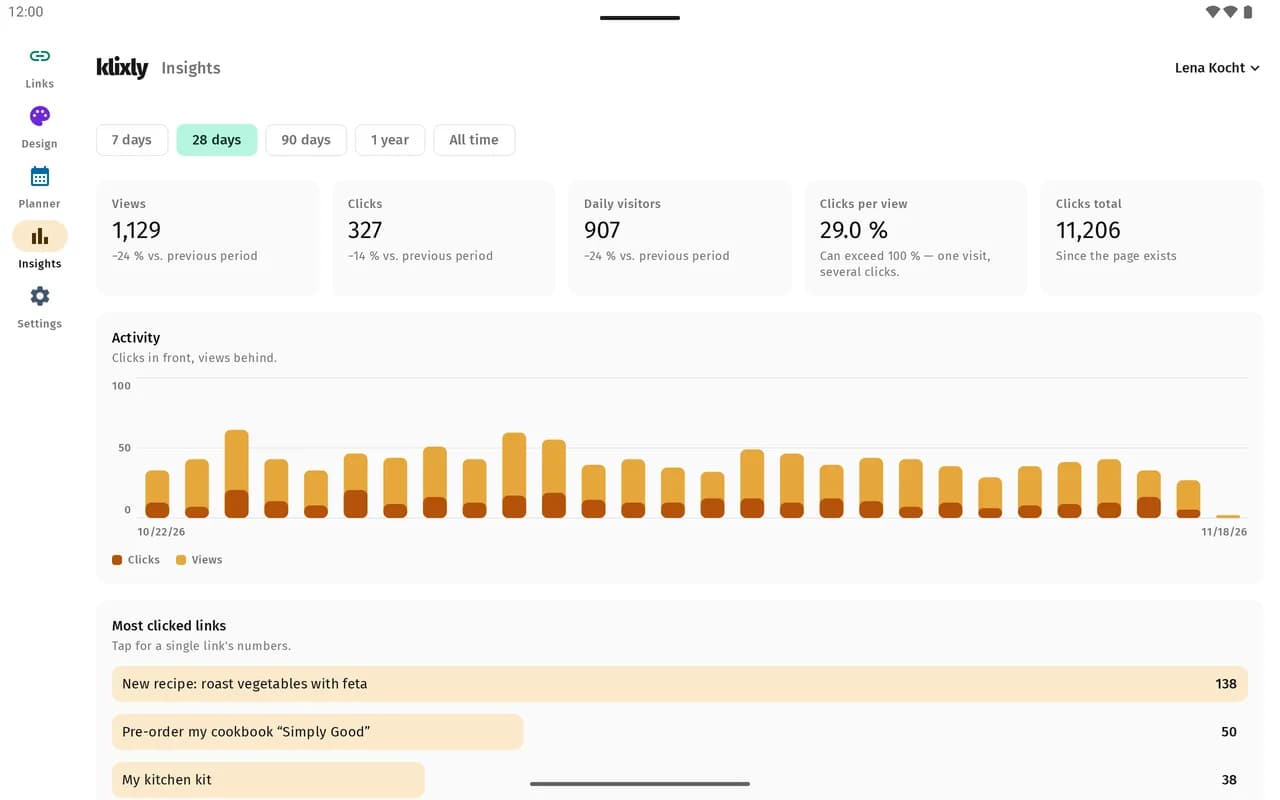
On large screens the app uses the width: navigation on the side, overviews at full width, key figures side by side. In split screen it follows the available width.
- Team
- Pages
- Statistics
Features
What the app can do
The app works with your klixly account. Changes show up on the website and on your bio page right away.
Links and blocks
Create and edit links and sort them by dragging. Plus the grid layout and importing from another link-in-bio page.
Design
Adjust colours, fonts, background and profile picture and see the result in the preview right away.
Statistics and revenue
Views, clicks and sources of your bio page, plus earnings from tips, products and paywalls.
Content Planner
Write posts, crop images and videos, schedule them in the calendar and prepare them for several networks at once.
Several pages
Switch between your bio pages and see all of them in the overview with warnings and tags.
Team
Invite members, assign roles and approve posts or send them back with a comment.
Notifications
Push message for new approval requests and replies. Each type can be turned off on its own.
Passkey sign-in
Sign in with your fingerprint or screen lock, no password needed. Password and two-factor code still work.
Download
Two ways to get the app
Google Play
The easiest way: installation and updates happen automatically through the Play Store.

Download the APK directly
For devices without Google Play or if you prefer to install the file yourself. Updates do not arrive automatically, you download a new version from this page.
- Version
- 0.2.6
- Size
- 8.3 MB
- Released
- November 19, 2026
- SHA-256
- 17c6383f2f910621f324ead3b260928c30b5313f59a3286682983852d7b11417
- Download and open the APK.
- Android asks whether your browser may install apps. Allow it for this installation.
- Optional: compare the file's SHA-256 checksum with the value above.
Privacy
No ads, no tracking in the app
The app talks to the klixly servers in Germany. It contains no advertising or analytics libraries.
- Data is stored on servers in Germany, GDPR-compliant
- No advertising or analytics SDKs
- Android delivers push messages through Google's Firebase Cloud Messaging
- Every signed-in device can be signed out individually in your account
Frequently asked questions
Does the app cost anything?
No. The app is free. Which features you can use depends on your plan, just like on the website.
Which Android version do I need?
Android 9 or later.
Play Store or APK, what is the difference?
The content is the same. Through Google Play you get updates automatically. The APK you install yourself and fetch new versions from this page.
Can I switch from the APK to the Play Store version?
Yes, but only by uninstalling and reinstalling, because the two are signed differently. Your data lives in your klixly account, you simply sign in again afterwards.
Is there an iPhone app?
Not yet. On the iPhone you use klixly in the browser at klixly.app.